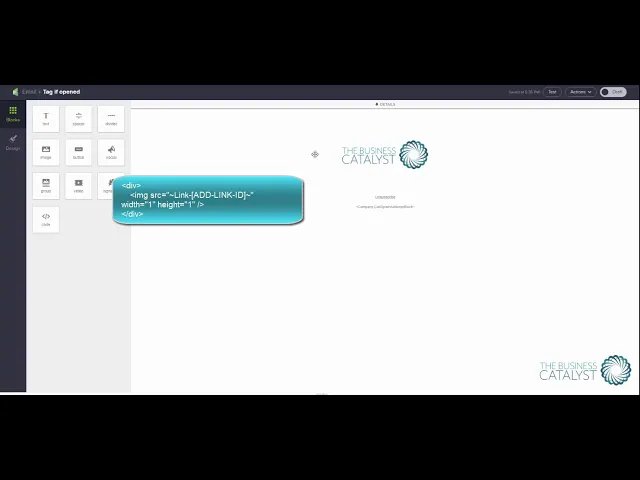
Adding a tag when a mail is opened in Infusionsoft
How to tag an Infusionsoft mail when its opened

Automatically sending to people who don't open, is not something that is 'out of the box' with Infusionsoft.
This little hack can be most useful
Email service providers consider an email to be opened when an image pixel is opened within the mail, this is why open rates are not 100% reliable as they can be triggered on previews and when people open to delete. Any marketeer will tell you that you should have an engaging email subject to get people to open and then a single call to action (CTA) to properly track engagement - and of course your content should be packed full of value.
In essence - to get Infusionsoft to add a tag when someone opens the mail
you create an automation link that applies a tag
you take the automation link ID and add it to this code in an HTML snippet in the email
<div>
<img src="~Link-[YOUR LINKID HERE]~" alt"" width="1" height="1" /></div>
You may want to do a separate link for each email - or have it as the same tag to pull people out of a sequence and start a new one, if you do this latter idea, then don't forget to remove the tag - else it can't be reapplied.

Lisa
Business Catalyst
Lisa has been an entrepreneur since 1990 with her core focus steadfastly consistently being – “if a job is worth doing, it’s worth doing well”