How to Update your Virtual Zoom Background
We’re loving the background feature on Zoom where you can update the virtual background – it’s really simple too, whether you want to Google Zoom Backgrounds or

We're loving the background feature on Zoom where you can update the virtual background - it's really simple too, whether you want to Google Zoom Backgrounds or create your own branded ones.
You don't need a green screen
there are two ways to update it
1 - When you are not inside a meeting, on the Zoom application home screens - hit the cog top right of your Zoom screen to open the settings
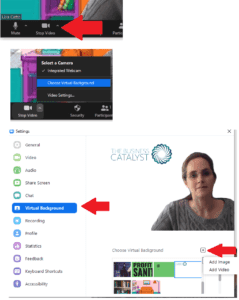
2 - From inside your Zoom meeting hit the arrow up next to the video on/off button at the bottom of the screen
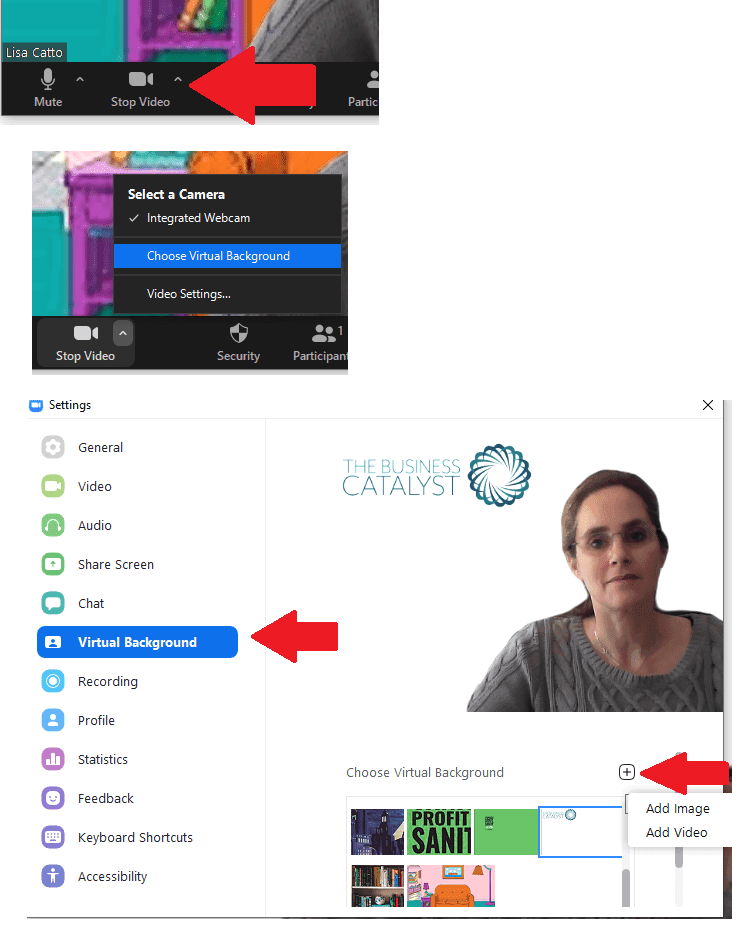
Then simply select the picture or add the image from one you've downloaded
To create your own, in paint create a new document with the dimensions 1920 x 1080 pixels and add your own graphics / logos or ... in my case, tidy bookshelves :)


Lisa
Business Catalyst
Lisa has been an entrepreneur since 1990 with her core focus steadfastly consistently being – “if a job is worth doing, it’s worth doing well”